Your to-do list, minus the chaos.
Flowline helps you capture, organize, and complete tasks with calm focus. No clutter, no overwhelm—just clear thinking and getting things done.
Task completed
Ship weekly review · just now
Reminder set
Follow up with client · in 1 hour
Synced
All devices up to date
Smart lists that organize themselves
Tasks automatically sort by priority, due date, and context. No manual sorting—just open your list and start working.
Learn more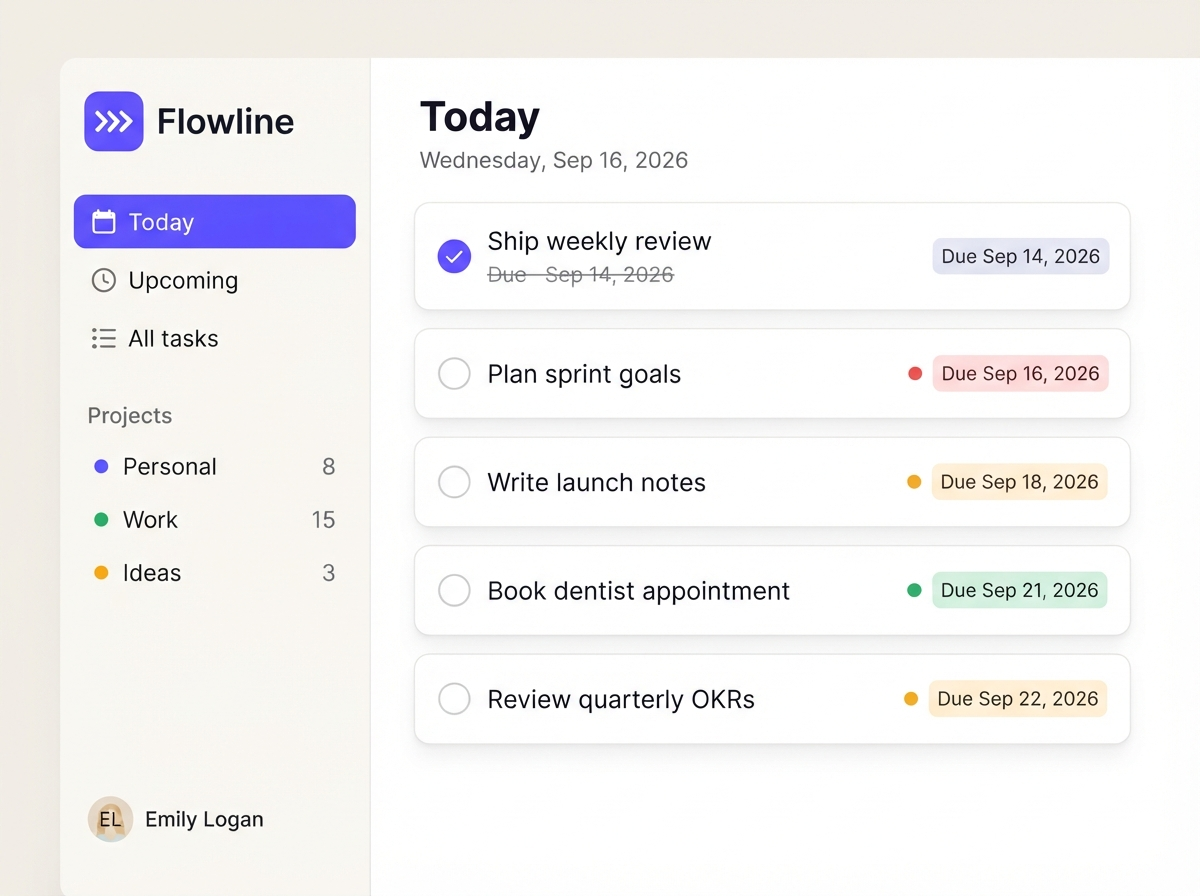
Focus mode — one task at a time
Eliminate decision fatigue. Focus mode hides everything except your current task, with a built-in timer to keep you in flow.
Learn more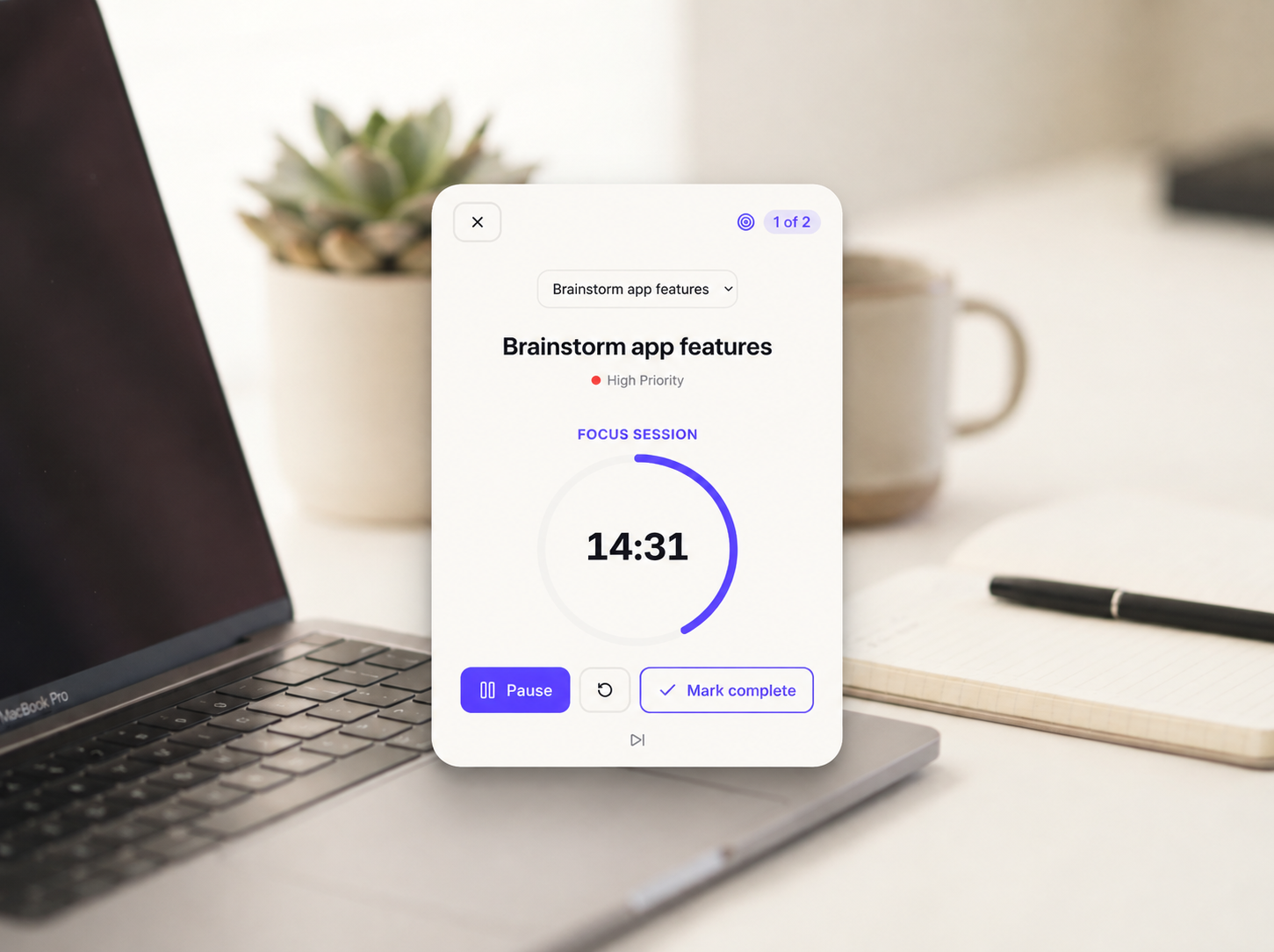
See your week at a glance
A clean weekly view shows exactly what's coming up. Drag tasks between days, spot conflicts early, plan with confidence.
Learn more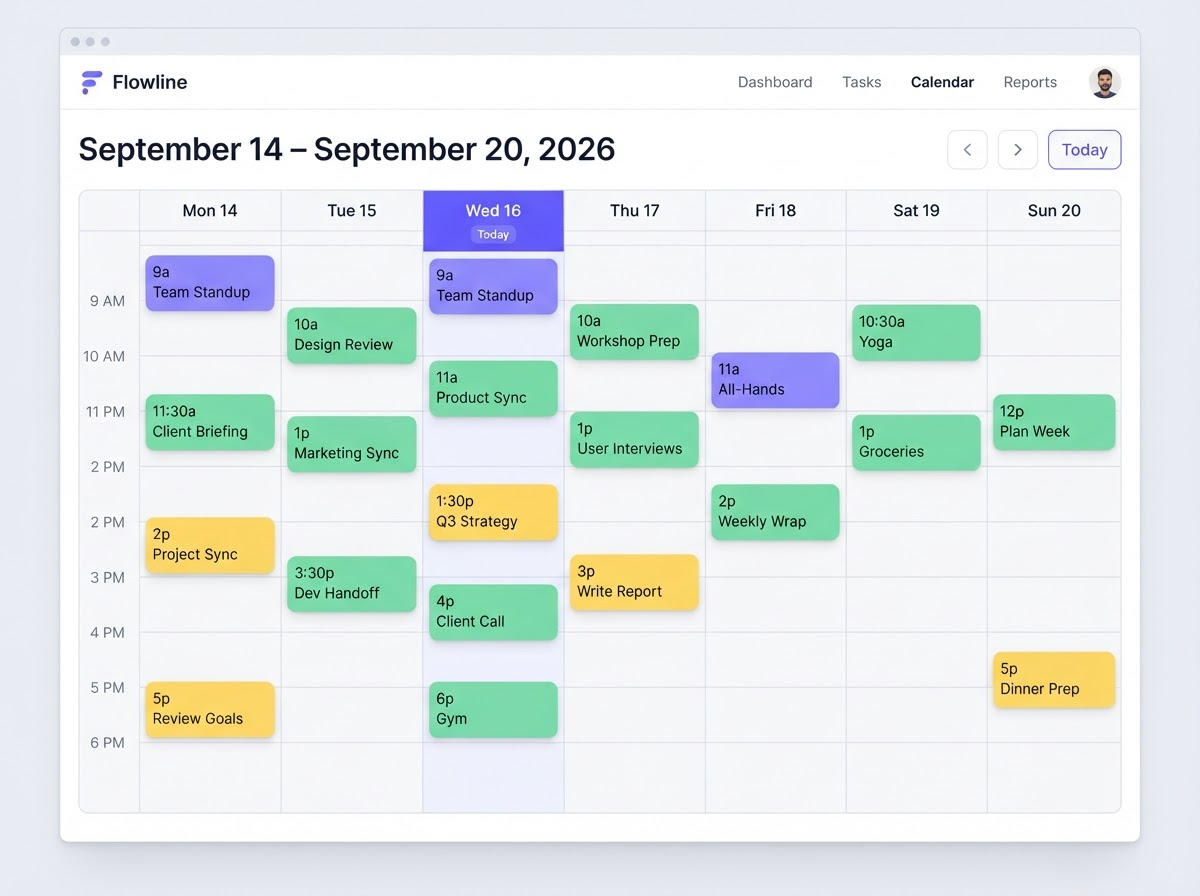
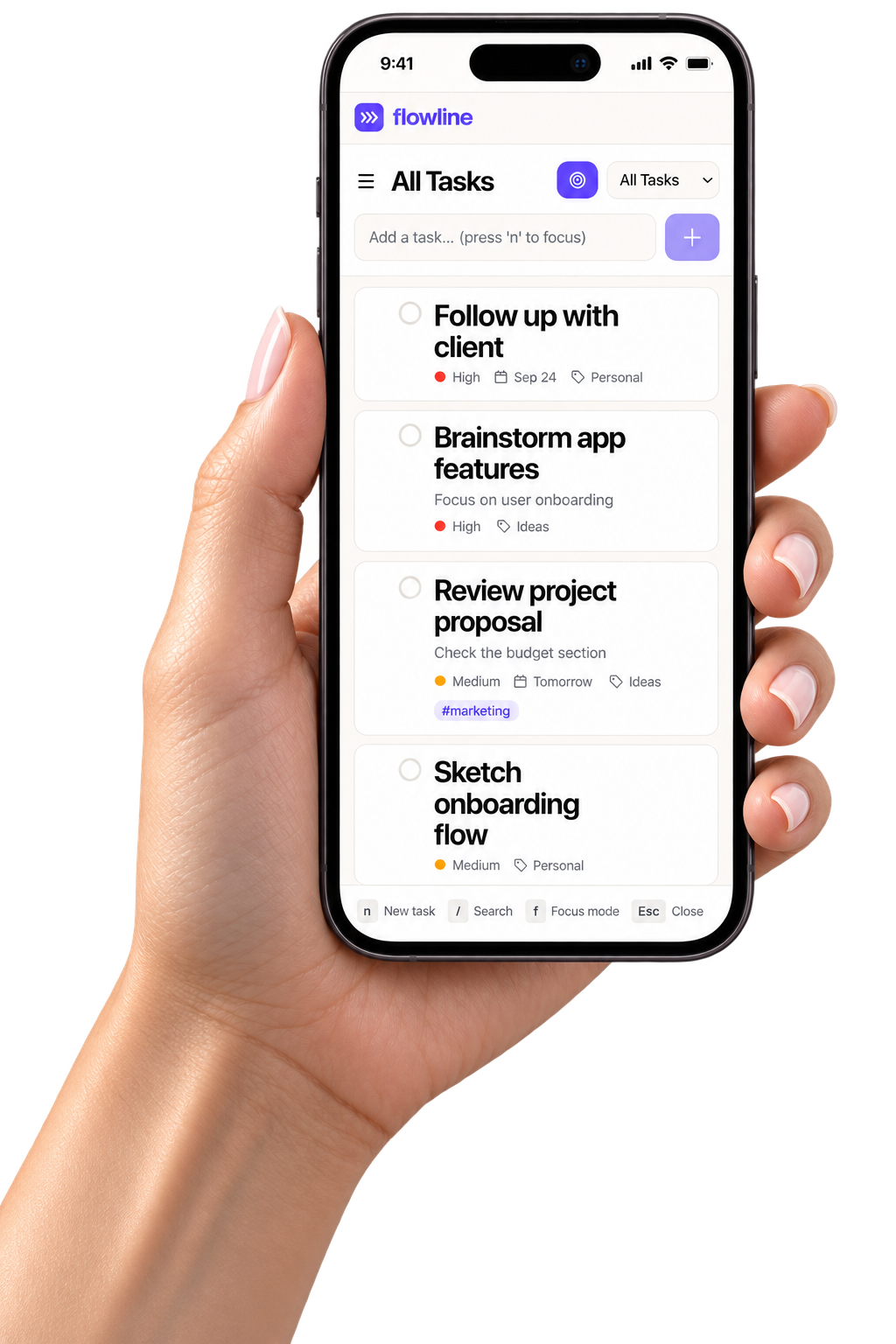
Works everywhere, syncs instantly
Desktop, tablet, phone—your tasks follow you. Changes sync in real-time, so you're always up to date, everywhere.
Learn moreBuilt for focus, designed for results
Real numbers from real users. Flowline helps you work smarter, not harder.
Faster daily planning
Spend less time organizing, more time doing
Saved per day
Average time saved by our power users
Tasks completed on time
With smart prioritization and reminders
Productivity boost
Reported by teams using Flowline
Happy makers
And growing every day
User rating
Loved by teams worldwide
Loved by makers worldwide
Don't just take our word for it. Here's what our users have to say.
"Flowline completely changed how I manage my day. I used to spend 30 minutes just organizing tasks—now it takes 2 minutes."

"The focus mode is a game-changer. I can finally deep work without getting distracted by my endless to-do list."

"We switched our entire team from Todoist to Flowline. The weekly view alone saved us hours of planning meetings."

"Finally, a task app that doesn't feel like work. It's calm, beautiful, and actually helps me get things done."

"The smart lists feature is brilliant. Tasks organize themselves by priority and context. It's like having a personal assistant."

"I've tried every task app out there. Flowline is the first one that stuck. The design is just *right*."

Simple, transparent pricing
Start free, upgrade when you're ready. No hidden fees, no surprises.
Free
For individuals getting started
- Up to 50 tasks
- 3 projects
- Basic views (Today, Upcoming)
- Mobile & desktop apps
- Community support
Pro
For serious makers who need more
- Unlimited tasks & projects
- Focus mode with timer
- Weekly calendar view
- Smart auto-organization
- Keyboard shortcuts
- Custom tags & filters
- Priority support
Team
For teams that move fast together
- Everything in Pro
- Up to 25 team members
- Shared projects & lists
- Team activity feed
- Admin controls
- SSO & advanced security
- Dedicated support
Flowline vs. the rest
See why thousands of makers choose Flowline over generic to-do apps.
Frequently asked questions
Everything you need to know about Flowline.
Yes! The Free plan is genuinely free forever — no trial period, no credit card required. You get up to 50 tasks and 3 projects, which is perfect for personal use. Upgrade to Pro when you need unlimited tasks and advanced features.
Absolutely. Flowline supports importing from Todoist, Things 3, Apple Reminders, Google Tasks, and any CSV file. Your tasks, projects, and due dates all transfer seamlessly.
Yes. Flowline works fully offline on all platforms. Changes sync automatically when you're back online — no data loss, no conflicts.
Flowline is available on the web, macOS, Windows, iOS, and Android. All platforms sync in real-time, so you can switch devices seamlessly.
Flowline focuses on calm productivity. Smart lists auto-organize, focus mode eliminates distractions, and the design is intentionally minimal. We believe less interface means more productivity.
Of course. No contracts, no cancellation fees. If you cancel, you keep access until the end of your billing period, then revert to the Free plan with all your data intact.
Calm productivity awaits
Ready to reclaim your focus?
Join thousands of makers who've already simplified their workflow with Flowline. Start free today — no credit card required.
Free forever for personal use • No credit card required • Setup in 30 seconds